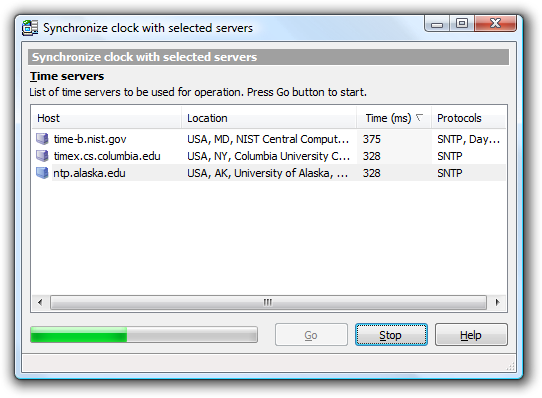
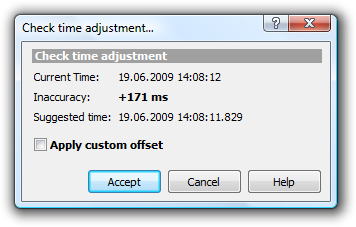
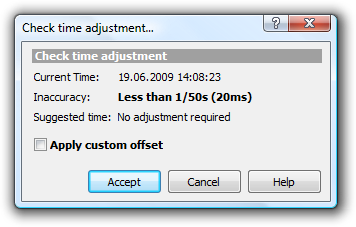
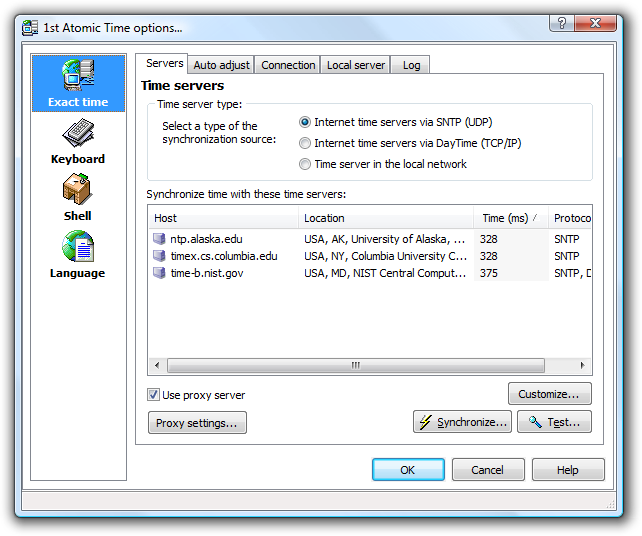
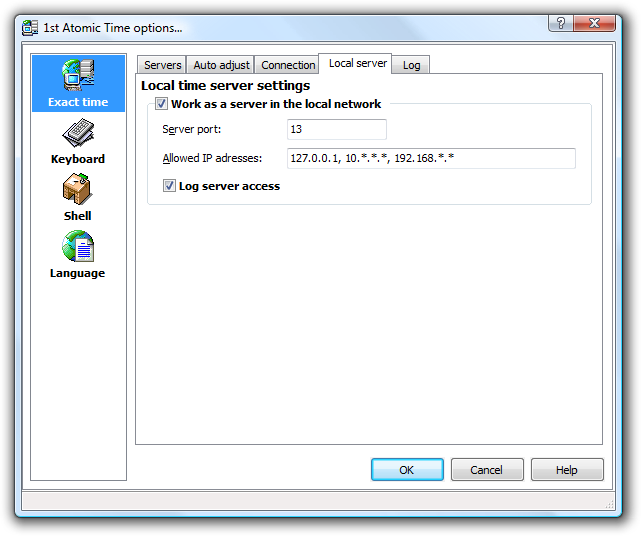
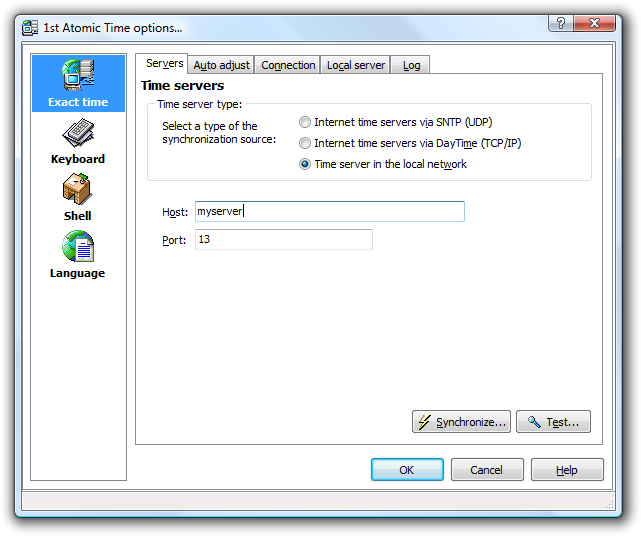
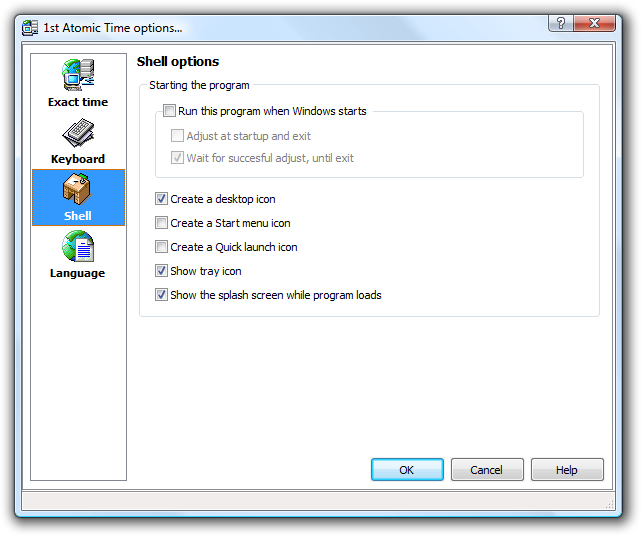
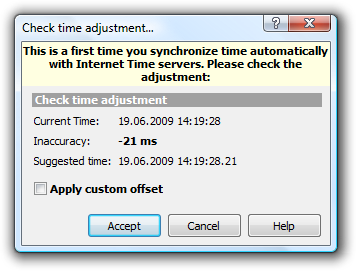
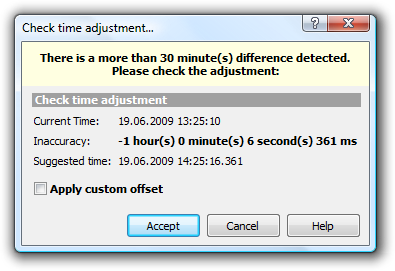
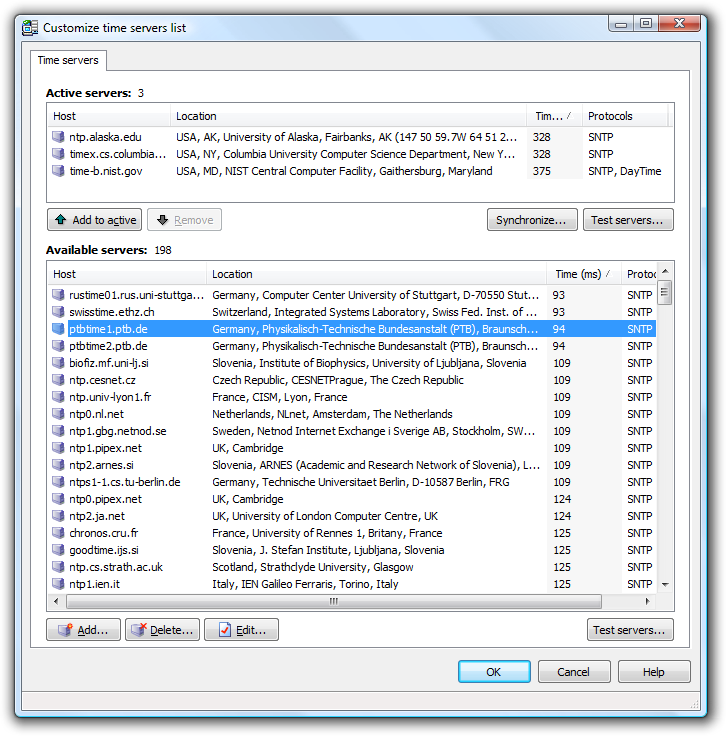
1st Atomic Time screenshotsBrowse 1st Atomic Time screenshots on this page.
Buy 1st Atomic Time Now!Buy 1st Atomic Time now and download the full version immediately after order processing!
Try it free for 30 days!1st Atomic Time is try-before-you-buy software. You can download a free trial version of 1st Atomic Time and try it for a test period of 30 days. After the test period you must either delete it or buy the fully functional version.
Subscribe to our newsletter to be informed about new versions and updates of 1st Atomic Time:
Enter your e-mail and click "Subscribe" Look at 1st Atomic Time TutorialsAny questions? Please contact us! |




|


Look at 1st Atomic Time Tutorials and Screenshots |
Latest version: 3.0 |
Download and Try 1st Atomic Time completely free for 30 days! |
Buy 1st Atomic Time Now! |
Subscribe to our newsletter
Enter your e-mail and click "Subscribe" |
Any questions? Please contact us! |

System Requirements:
Windows 7, 8 and 10. 32-bit or 64-bit
Download additional languages for 1st Atomic Time
You may also consider the following software:
ActionOutline - store and arrange all your information in a tree outline form
1st AutoRun Express - make autorun CDs that will run your documents, web pages, presentations etc. No programming or design required!
1st Clock - enhance your taskbar clock